Web SDK Documentation
Unaport provides a unified Web SDK for seamless integration with web and mobile applications (via WebView). A single SDK works across all supported Account Aggregators — with full UI customization to match your brand.
Adaptable color scheme and font to match your FIU brand completely.
Plug-and-play setup — no need to manage the AA process flow or individual AA APIs.
Direct consent creation and approval without redirecting users to external AA apps.
SDK Endpoints
Load the SDK via WebView or as an iframe with the config appended as a query parameter:
https://sdk.sandbox.unaport.com/view?config={base64-encoded-config-json}Process Flow
Call the Login API with your credentials to get access_token and refresh_token.
Assemble the configuration object with all required fields (phone number, FIU ID, tokens, theme).
Convert the JSON to a Base64-encoded string using base64encode.org or server-side encoding.
Redirect the user or load the SDK URL as an iframe: <sdk-endpoint>/view?config=<encoded-string>
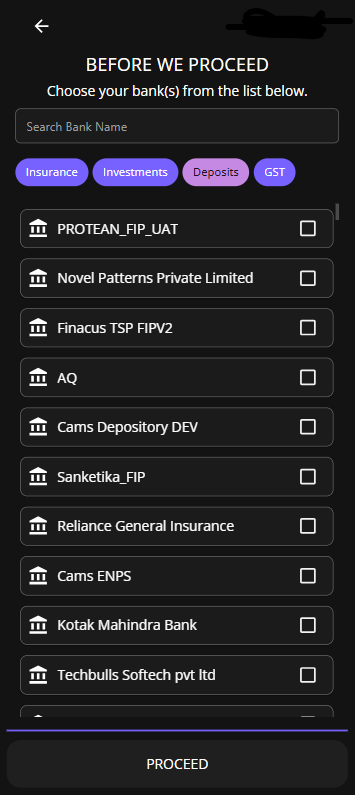
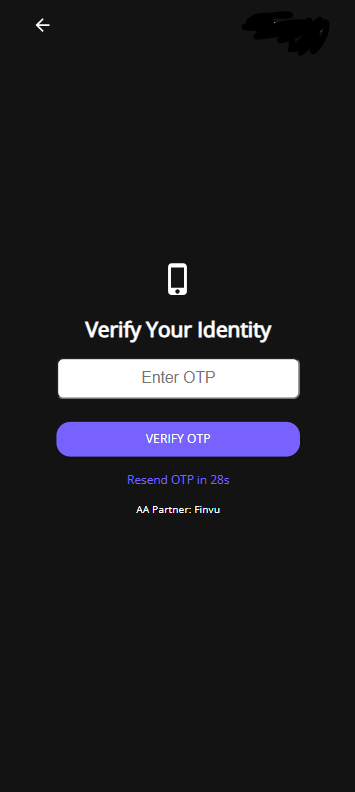
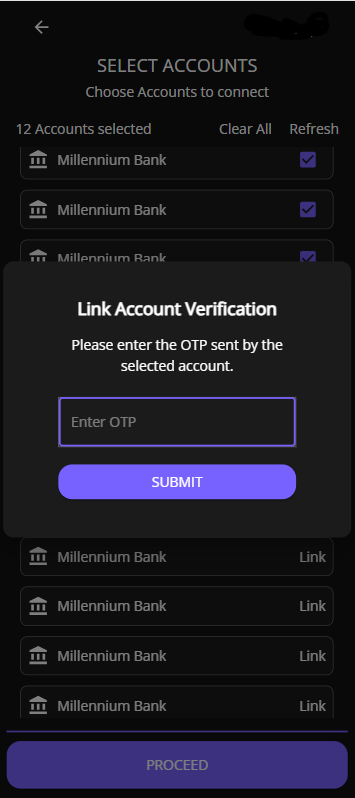
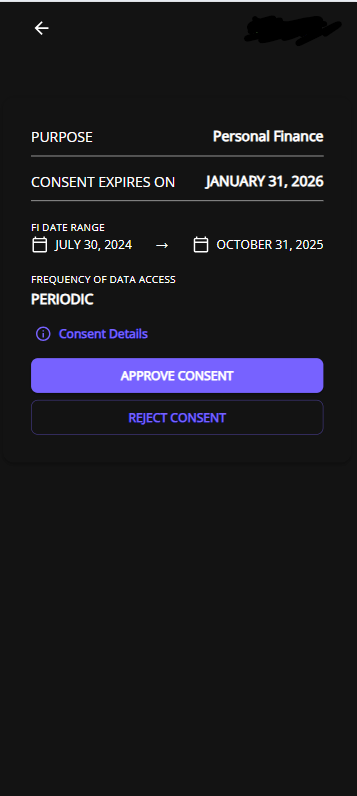
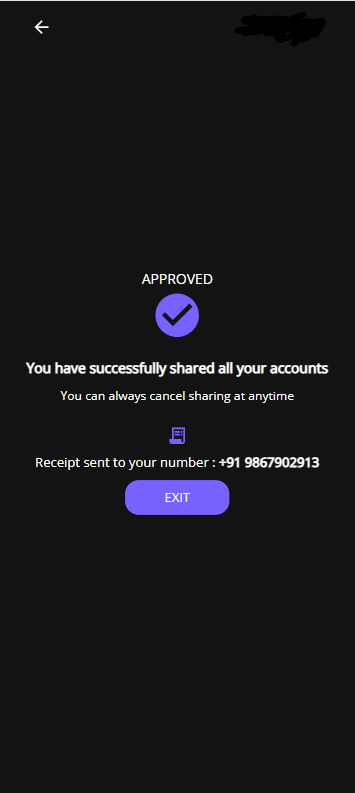
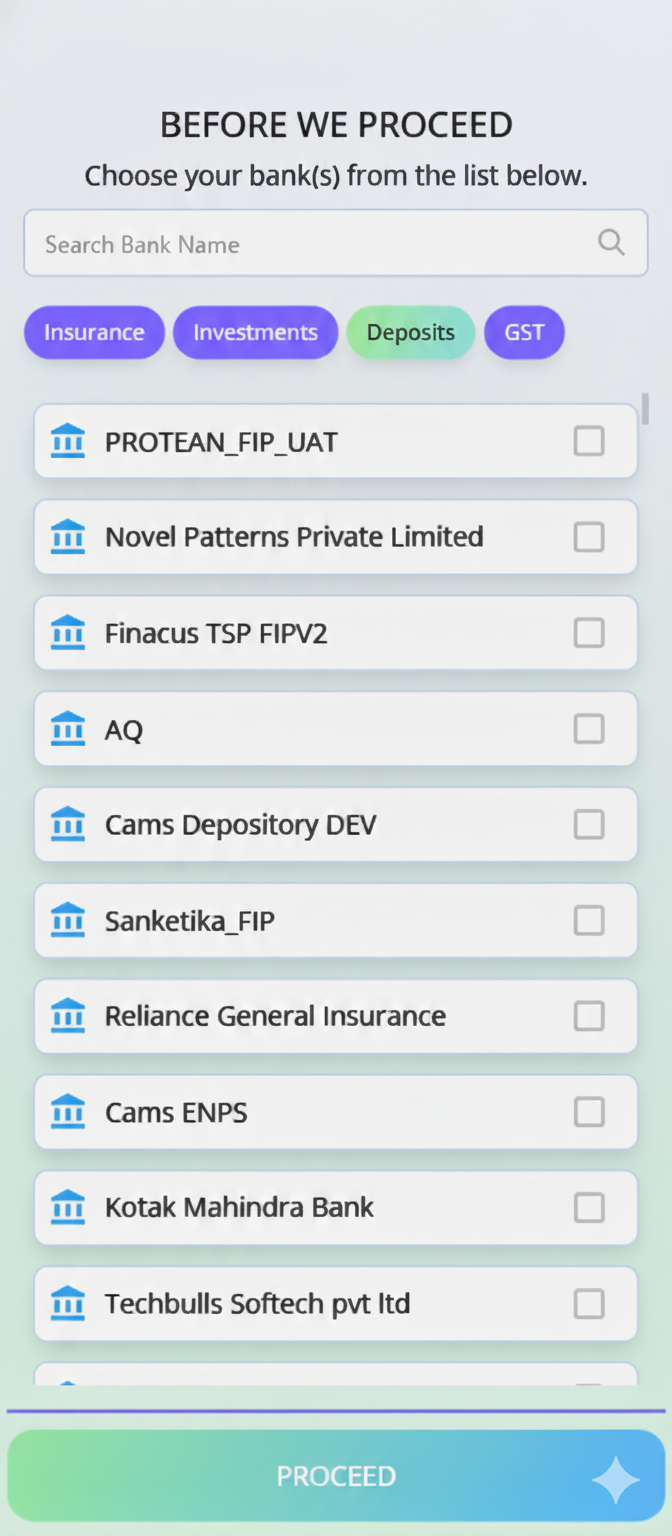
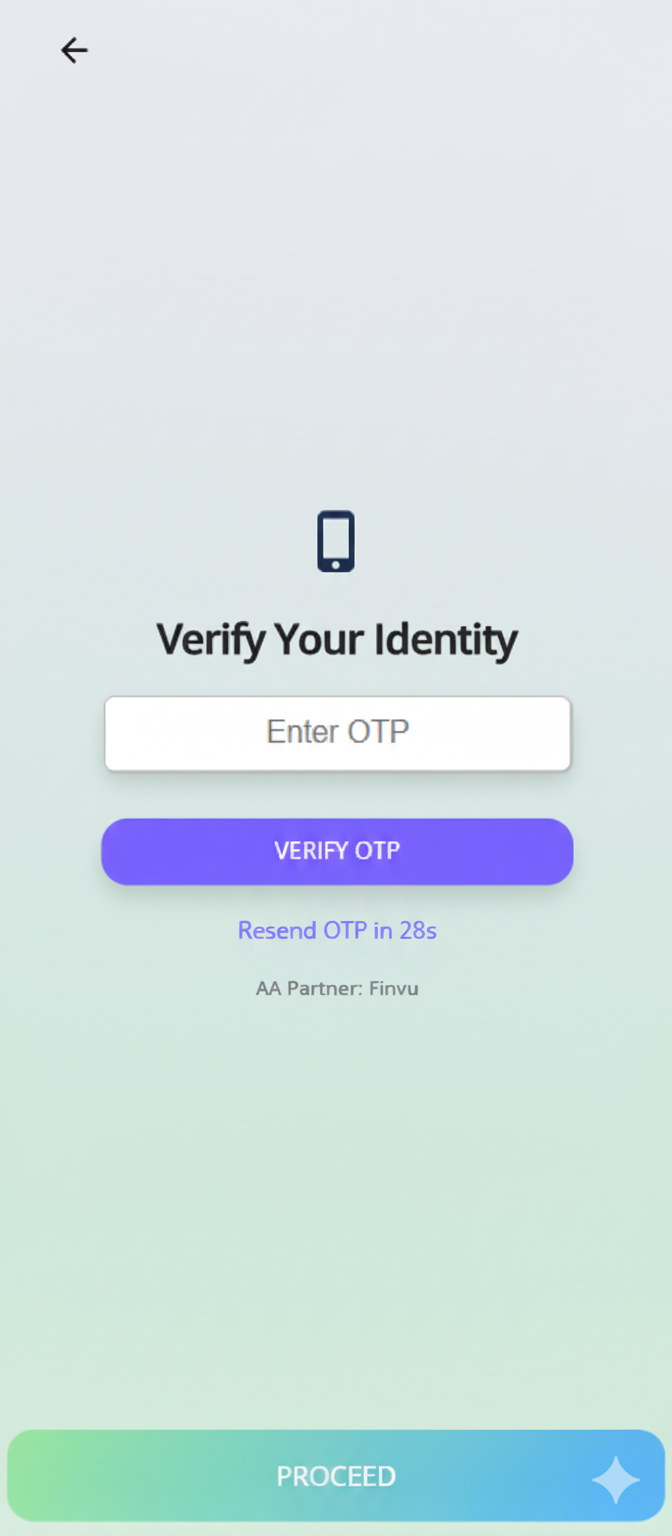
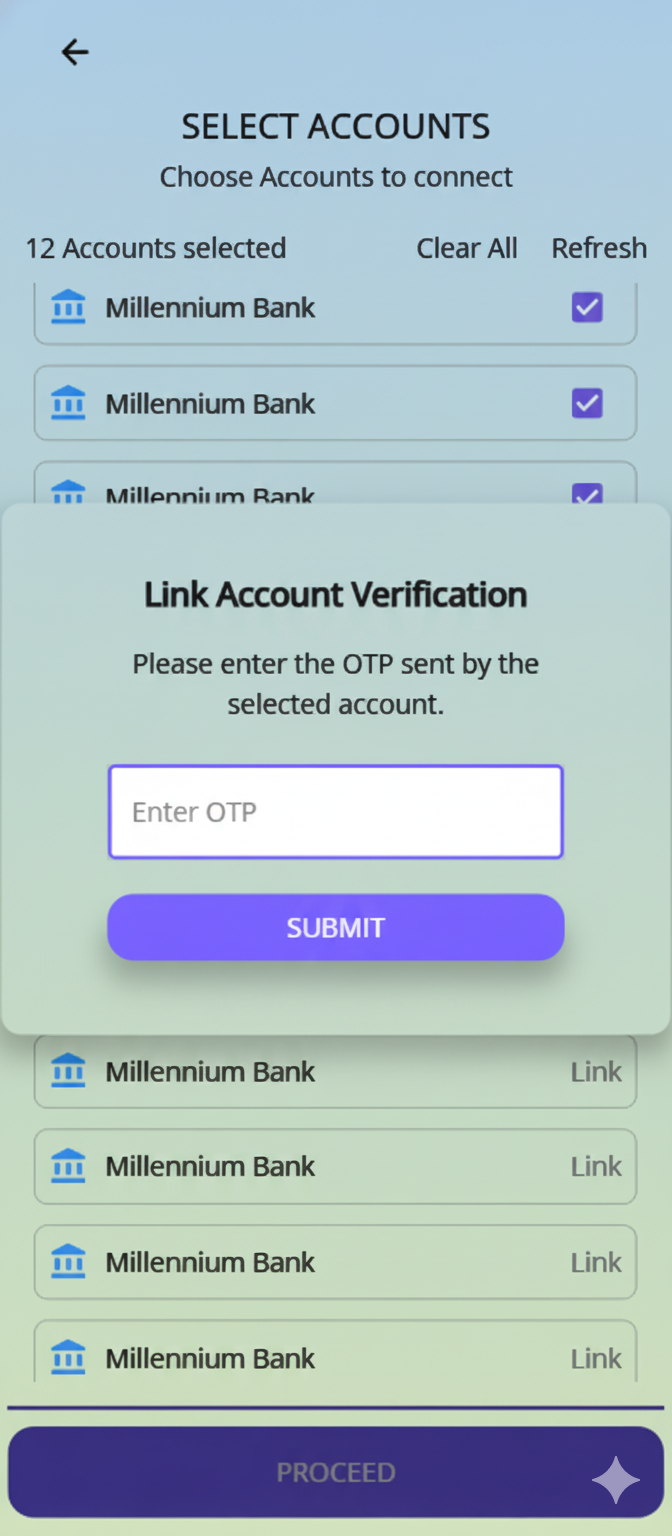
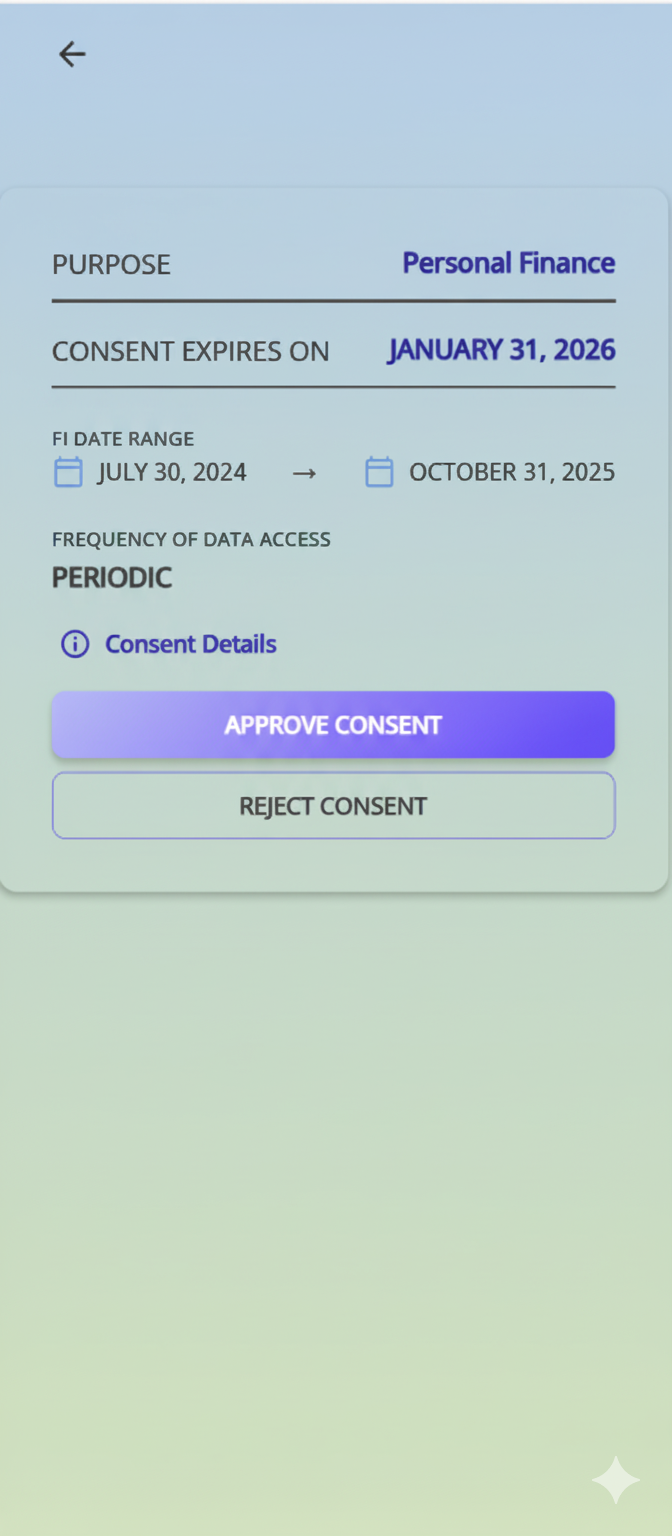
The SDK handles bank selection, AA OTP, account discovery, bank OTP linking, and consent approval — entirely within your app.
After data is fetched, Unaport sends a data notification to your FIU server with the sessionId.
Call Fetch Data by Session API with the sessionId in JSON or Excel format.
SDK Configuration Parameters
| Field | Req | Type | Description |
|---|---|---|---|
phoneNumber | M | String | 10-digit mobile number (without country code) |
trackingId | M | String | Your tracking reference for the consent request |
fiuId | M | String | FIU ID as registered in Sahamati |
accessToken | M | String | Access token from the Login API |
refreshToken | M | String | Refresh token from the Login API |
theme | M | JSON | UI color configuration — see Color Fields below |
FIType | O | String | Filter FIPs by type: Deposits | Insurance | GST | Investment |
productId | M | String | Product (consent template) ID |
| Field | Req | Description |
|---|---|---|
background | M | Main background color (Hex) |
accent | M | Accent/highlight color (Hex) |
primary | M | Primary color (Hex) |
primaryText | M | Primary text color |
primaryButtonText | M | Button text color |
secondary | M | Secondary background color |
secondaryText | M | Secondary text color |
disabled | M | Disabled element background |
disabledText | M | Disabled element text color |
border | M | Border color |
hintText | M | Placeholder/hint text color |
errorText | M | Error message color |
loaderColor | M | Loading indicator color |
fontName | M | Font family name (e.g. "Open Sans") |
failureColor | M | Failure state color |
Sample Configuration JSON
{
  "theme": {
    "background": "#131313",
    "accent": "#1B1B1B",
    "primary": "#7762FF",
    "primaryText": "#FFFFFF",
    "primaryButtonText": "131313",
    "secondary": "#C589E4",
    "secondaryText": "#F2F2F2",
    "disabled": "#1F1F1F",
    "disabledText": "#FEFEFE",
    "border": "#767676",
    "hintText": "#9e9e9e",
    "errorText": "#d32f2f",
    "loaderColor": "#F2F2F2",
    "fontName": "Open Sans",
    "failureColor": "#d32f2f"
  },
  "productId": "5961868f-ac0e-45e6-9e7b-394c535fa4cc",
  "phoneNumber": "9812345678",
  "trackingId": "your-unique-tracking-id",
  "fiuId": "UNACORES-FIU-UAT",
  "FIType": "Deposits",
  "accessToken": "eyJhbGciOiJSUzI1NiIsIn...",
  "refreshToken": "eyJhbGciOiJIUzI1NiIsIn..."
}accessToken or refreshToken in client-side code. Generate the encoded config server-side and pass only the final URL to the client.
Product View — Theme Samples
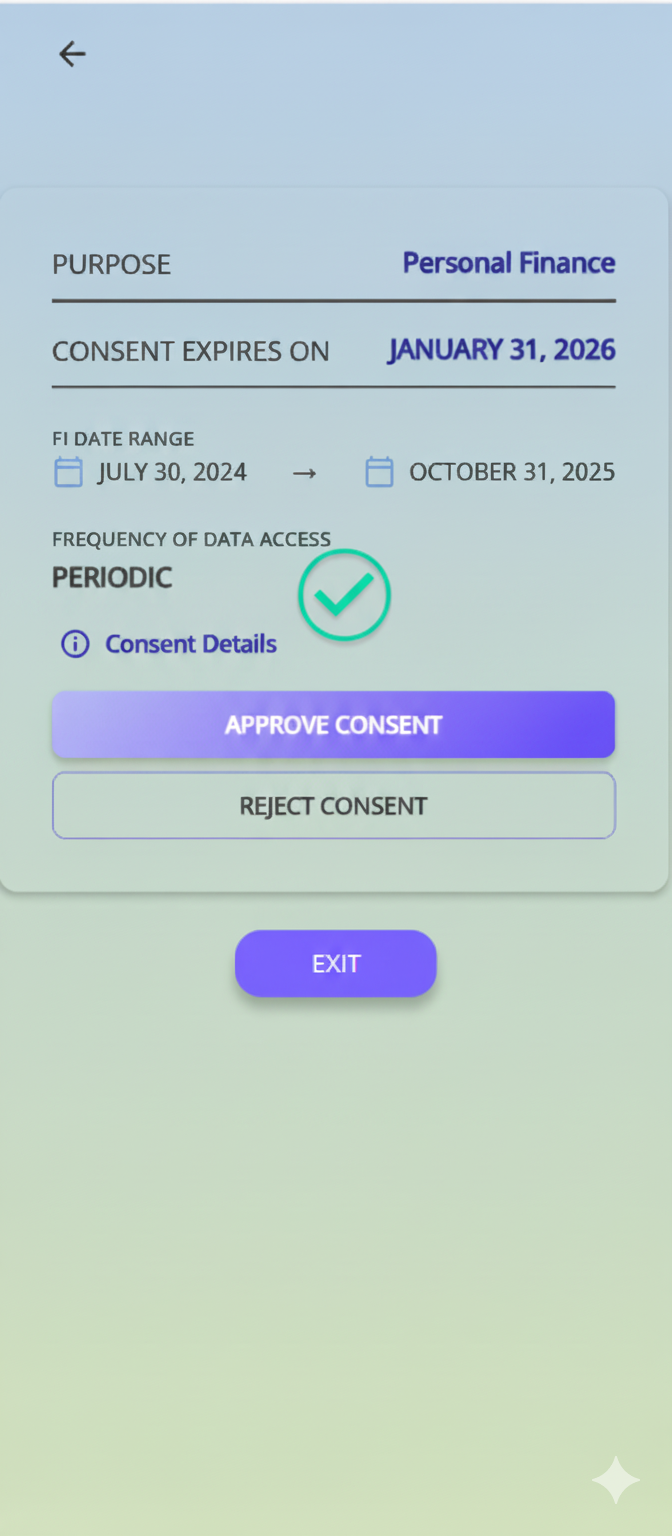
The SDK UI is fully customizable. Below are two example themes showing the complete 5-screen consent flow — from bank selection through to exit.